
# Ad summary
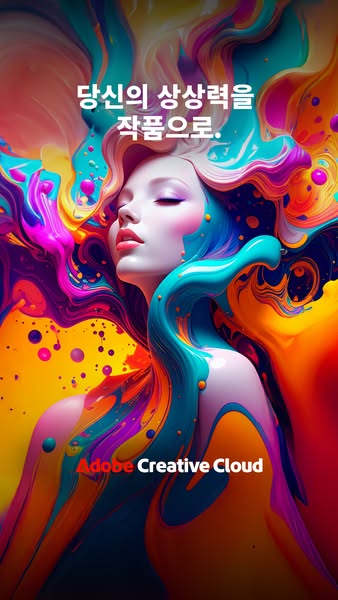
This ad for Adobe Creative Cloud features a model surrounded by flowers and wearing green sunglasses. The ad's headline encourages viewers to complete their work with feeling.
# Brand positioning
Adobe Creative Cloud is presented as a tool for creative professionals and hobbyists alike, positioning itself as a leader in the digital creation space. The brand emphasizes its comprehensive suite of applications and services, designed to empower users to bring their artistic visions to life. The brand aligns with a lifestyle of innovation, creativity, and self-expression, appealing to those who value high-quality tools and seamless workflows. Adobe Creative Cloud sets the standard for digital creativity, offering a wide range of tools that cater to various creative disciplines, from graphic design and photography to video editing and web development. The brand's positioning is both functional, providing powerful tools and technologies, and emotional, inspiring users to explore their creative potential and achieve their artistic goals.
# Product
Adobe Creative Cloud is a suite of software applications and services provided by Adobe Inc. that gives subscribers access to a collection of software used for graphic design, video editing, web development, photography, and cloud services. It is for creative professionals, designers, photographers, video editors, and anyone who wants to create digital content. The ad highlights the software's ability to help users complete their work with feeling. The ad addresses the barrier of creative blocks by suggesting that Adobe Creative Cloud can help users overcome them and bring their visions to life.
# Visual style
The ad has a highly polished, studio-shot production quality with a surreal and artistic visual style. The image treatment includes vibrant color grading and background removal, creating a visually striking and eye-catching composition. The typography is large and bold, integrated seamlessly into the image. The ad contrasts with typical norms by using a surreal and artistic visual style, which may impact scannability but increases stop power in feed.
# Hooks
Headline: 감각적으로 작품을 완성하세요.
# Funnel stage
Top of funnel (Awareness)
# Pain points
None used.
# Value propositions
- None used
# Benefits
- None used
# Features
- None used
# Call to action
None used.
# Social proof
- None used.
# Point of view
- Brand: The POV is consistent throughout the ad, with the brand showcasing its product and encouraging viewers to explore their creative potential.
# Storyline
- The ad opens with a visually striking image of a model surrounded by flowers, creating an artistic and eye-catching scene. This is intended to capture the viewer's attention and create a sense of visual appeal. The brand is telling this part of the story.
- The headline encourages viewers to complete their work with feeling, suggesting that Adobe Creative Cloud can help users infuse their creations with emotion and creativity. This is intended to resonate with the viewer's desire to express themselves and create meaningful work. The brand is telling this part of the story.
- The inclusion of the Adobe Creative Cloud logo reinforces the brand's identity and connects the visual elements with the product being advertised. This is intended to create brand recognition and associate the product with creativity and innovation. The brand is telling this part of the story.